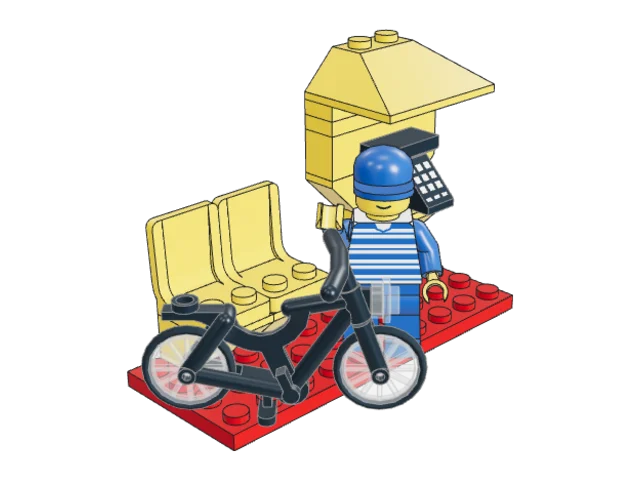
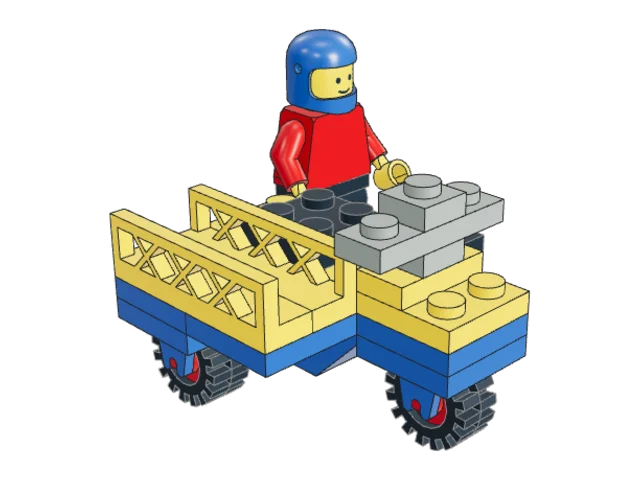
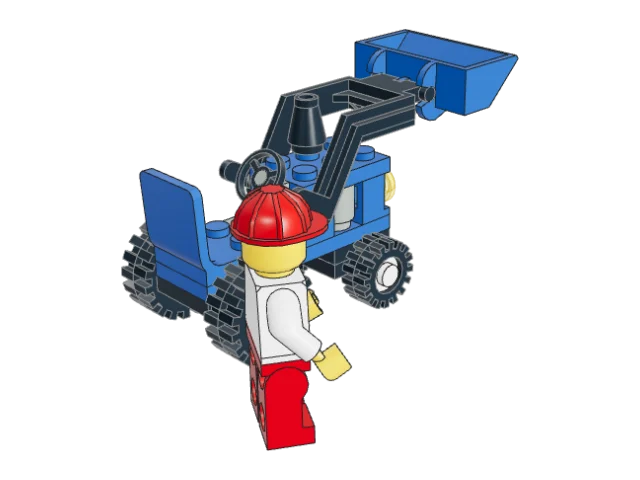
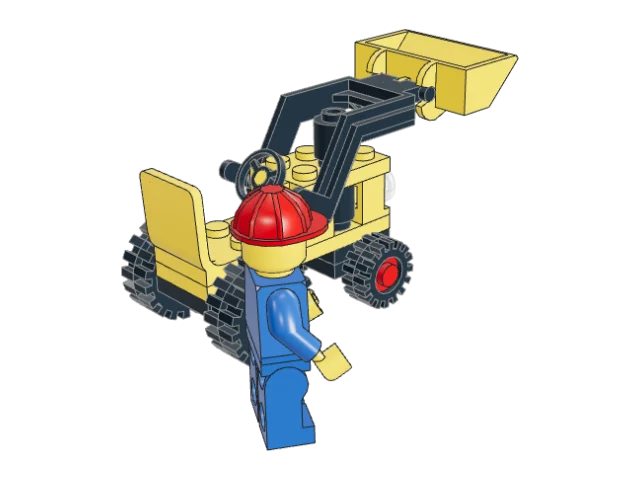
3D building instructions
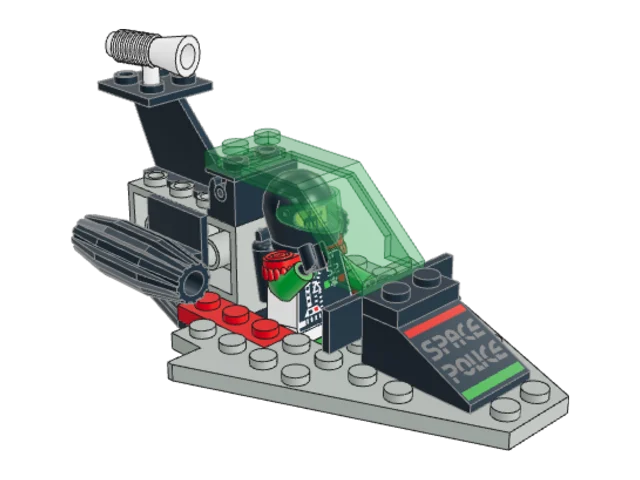
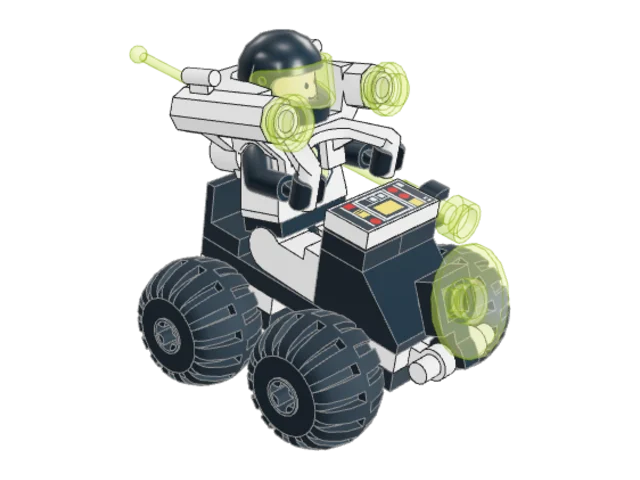
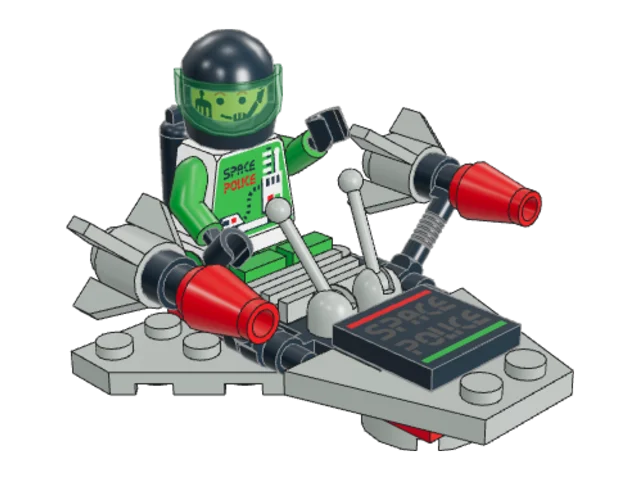
Build your LEGO® sets in 3D, step by step.
Type the number printed on the box. Every step appears in 3D, with the parts to pick.
Try:
How it works
- 1
Type the number
The set number is printed on the box, for example 4915.
- 2
Check your parts
Klods draws every part of the set, with how many you need and their colour.
- 3
Follow each step
Turn the model around and watch the new parts drop in, one step after another.